
Struggling with your iPhone 11 signal can feel like trying to catch a greased pig at a county fair. One moment you’re enjoying a smooth browsing experience, and the next, you’re staring at that dreaded “No Service” message. It’s frustrating and can turn even the most patient person into a tech detective, scouring for solutions.
Understanding Signal Strength
Signal strength significantly impacts the user experience on an iPhone 11. Poor signal quality leads to dropped calls and slow internet speeds, causing frustration among users.
Importance of Signal Quality
Signal quality directly affects call clarity and data speed. Strong signals enable seamless streaming and fast downloads. Users often notice that consistent connectivity results in better overall device performance. Reliable service enhances the ability to communicate, especially in emergencies. Increased signal quality also prolongs battery life, as the phone uses less energy searching for a connection.
Factors Affecting Signal Strength
Numerous factors influence signal strength on the iPhone 11. Proximity to cell towers plays a crucial role; closer locations generally yield better reception. Obstacles such as buildings and trees can obstruct signals, making indoor usage problematic. Network congestion, especially during peak hours, may degrade service quality. Additionally, the device’s hardware can impact signal reception, with older models showing less efficiency. Weather conditions also contribute to fluctuations in signal strength, affecting connectivity during storms or heavy rain.
Tips for Improving Signal
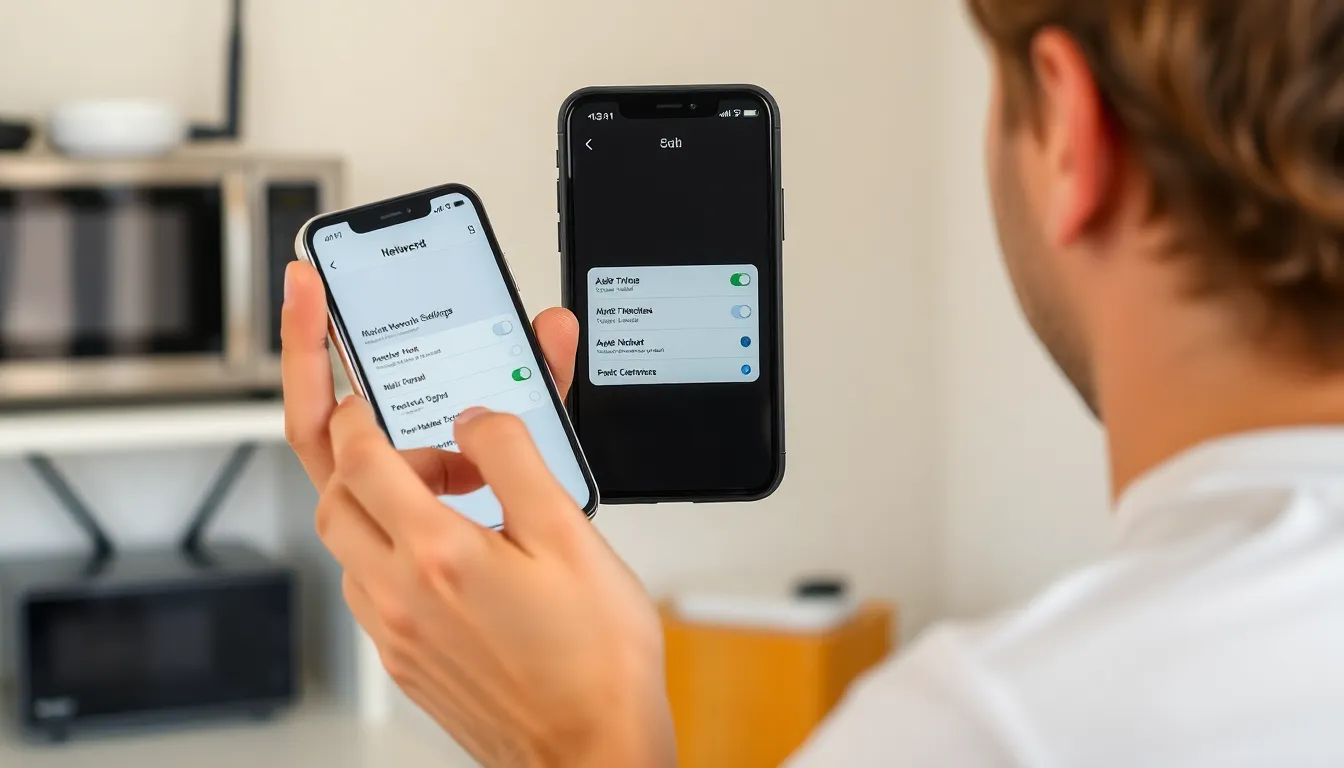
Improving signal strength on the iPhone 11 involves several strategies. Implementing software updates, adjusting network settings, and reducing interference serve as effective methods.
Software Updates
Keeping the iPhone’s software updated enhances performance and addresses connectivity issues. Updates include carrier settings that can improve network compatibility. Users can check for updates by navigating to Settings, selecting General, and tapping Software Update. Regularly installing these updates reduces potential bugs affecting signal strength.
Network Settings Adjustments
Adjusting network settings helps in optimizing signal quality. Users can reset network settings by heading to Settings, selecting General, then Reset, and choosing Reset Network Settings. This process restores default settings for Wi-Fi, cellular, and VPN, potentially resolving persistent connection problems. Additionally, toggling Airplane Mode on and off often refreshes the network connection, improving signal.
Reducing Interference
Minimizing interference from other electronic devices improves signal reception. Appliances such as microwaves and cordless phones can obstruct signals. Keeping the iPhone away from such devices enhances signal clarity. Additionally, maintaining an optimal distance from obstacles like thick walls and large metal objects aids in reducing signal disruption.
External Solutions
Several external solutions enhance signal strength on the iPhone 11. Users often find these methods effective in minimizing connectivity issues.
Using Signal Boosters
Signal boosters amplify existing signals, increasing cell reception within homes or vehicles. They consist of an external antenna, an amplifier, and an internal antenna. Boosters can improve call quality and data speeds significantly, with some devices increasing signals by up to 32 times. Installation typically involves placing an external antenna near a window and connecting it to the amplifier. Ensure compatibility with local network frequencies before purchasing to maximize effectiveness. Various brands provide options to suit different needs and budgets.
Wi-Fi Calling
Wi-Fi Calling allows users to make calls and send texts via a Wi-Fi connection instead of relying solely on cellular networks. This feature becomes especially handy in areas with weak signals, as it utilizes available internet connections for communication. To activate Wi-Fi calling, navigate to Settings, then Phone, and enable the Wi-Fi Calling option. Strong Wi-Fi signals can lead to clearer calls and faster messaging. Always confirm that the Wi-Fi network is secure for optimal privacy and security during conversations.
When to Seek Professional Help
Seeking professional assistance becomes necessary when basic troubleshooting doesn’t rectify signal issues. Strong signals are essential for effective communication and internet usage.
Contacting Your Carrier
Contacting the service provider may yield immediate solutions. Carriers often have access to detailed network information and can identify outages or disruptions in the area. Users might also inquire about network maintenance, throttling policies, or device compatibility. Formulating specific questions regarding connectivity problems can assist customer service in providing tailored support. Reporting location-specific signal issues can prompt investigations and lead to quicker resolutions.
Assessing Hardware Issues
Assessing hardware problems might uncover issues affecting signal strength. Physical damage, such as a cracked iPhone 11 screen or water exposure, can lead to connectivity problems. Users should inspect the SIM card for signs of damage or dirt, which could impede its function. Performing a diagnostics test can help determine if the internal antennas are functioning correctly. Visiting an Apple Store or authorized service provider can provide professional assessment and potential repairs. Professional technicians can accurately identify hardware failures and recommend necessary interventions.
Improving signal strength on the iPhone 11 can significantly enhance the user experience. By implementing the suggested tips and solutions, users can tackle frustrating connectivity issues. Regular software updates and simple adjustments to network settings can make a noticeable difference.
For those still struggling, exploring external options like signal boosters or Wi-Fi Calling can provide effective relief. It’s also essential to stay informed about potential hardware issues and reach out to service providers when necessary. With the right approach, users can enjoy a more reliable connection and make the most of their iPhone 11.

